After Effects vs Premiere Pro: which one your project needs
They are not competitors. One assembles time, the other builds frames. Knowing which your project mostly needs tells you what kind of studio to hire and what it will cost.
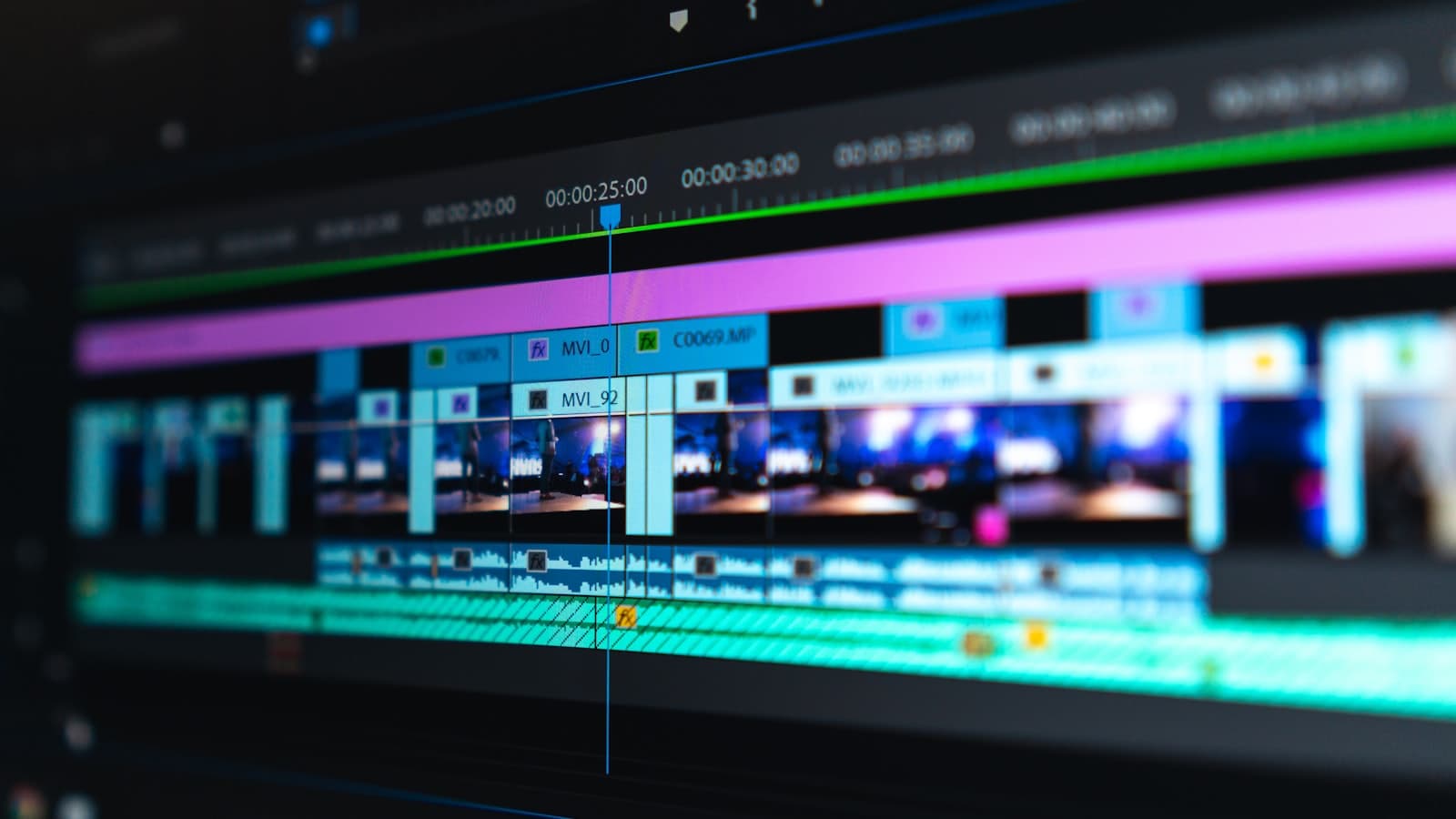
This question is usually asked as though one tool were the better version of the other. They are not on the same axis. Premiere Pro assembles existing footage in time; After Effects builds what is inside a frame. Most real projects need both, in different proportions, and the proportion is what determines the cost and the kind of person doing the work.
What each one is for
| Premiere Pro | After Effects | |
|---|---|---|
| Core job | Arranging clips along a timeline. | Constructing and manipulating individual frames. |
| Thinks in | Sequences and cuts. | Layers and compositions. |
| Strong at | Long-form assembly, multi-camera, audio, fast turnaround. | Motion graphics, compositing, tracking, effects, kinetic type. |
| Weak at | Anything requiring a frame to be built rather than trimmed. | Long-form editing. It becomes slow and unpleasant past a few minutes. |
| Playback | Real time. | Renders, often slowly. |
A useful shorthand: if the work is deciding what happens next, that is Premiere. If it is deciding what something looks like, that is After Effects.
How they get used together
On most brand projects, both are open. The typical division of labour:
- Footage is assembled and the story is cut in Premiere, where playback is instant and revisions are cheap.
- Shots needing built elements go to After Effects: titles, graphics, cleanup, screen replacement, composited product.
- Those shots come back into the sequence, or the whole thing finishes in After Effects if graphics dominate.
- Sound is mixed against the locked picture.
The mistake that costs time is doing it in the wrong order: building elaborate graphics before the edit is locked, then re-timing all of them when a cut changes. Lock picture, then build.
Reading a brief to tell which it is
You can usually tell from the brief which tool the project mostly lives in, and therefore roughly what it will cost.
| Brief | Mostly | Why |
|---|---|---|
| Interview film from three hours of footage | Premiere | The work is selection and structure. Graphics are lower thirds. |
| Animated explainer, no live footage | After Effects | Every frame is built. There is nothing to assemble. |
| Product ad with composited packaging | After Effects | Tracking and compositing are the job. |
| Event recap, music-led | Premiere | Pace and selection carry it. |
| SaaS demo with UI motion over screen recordings | Both, leaning After Effects | Recordings are assembled, then directed with built motion. |
| AI-generated ad with real product | After Effects | Compositing, grading and matching are most of the work. |
Why this matters commercially
The split affects three things you are paying for.
- Rate. Motion design work is generally priced above straight editing, because it is design work with an animation layer on top rather than assembly.
- Schedule shape. Editing revisions are fast; graphics revisions are re-renders. A project that is 80 percent After Effects has a different revision economy, which is why round counts matter more there.
- Reusability. After Effects work leaves you components you can reuse for a year: a title system, a transition set, a logo build. An edit leaves you an edit. This is the argument behind a brand motion kit.
Where the other tools fit
- DaVinci Resolve. The colour standard, with a capable editor and a node-based compositor. Studios that grade heavily often finish here.
- Cinema 4D and Blender. Where three-dimensional elements are built before coming into After Effects as renders or through a live pipeline.
- Figma and Illustrator. Where the design frequently starts, before anything moves.
- Generative video tools. Increasingly the source of plates that then go through the same compositing and grading as any other footage. How that pipeline runs.
The short answer
If your video is mostly footage that exists, it lives in Premiere. If it is mostly things that have to be made, it lives in After Effects. If the answer is genuinely both, that is normal, and it is worth asking a studio which half they consider their strength, because almost nobody is equally good at both.
Common questions
- What is the difference between After Effects and Premiere Pro?
- Premiere Pro assembles existing footage along a timeline; After Effects constructs what is inside individual frames. Premiere thinks in sequences and cuts, After Effects in layers and compositions. Most brand projects use both, in proportions set by how much has to be built rather than selected.
- Do I need both for a brand video?
- Usually. Footage gets cut in Premiere, where playback is real time and revisions are cheap, then shots needing titles, graphics, cleanup or compositing are built in After Effects. Lock the edit before building the graphics, reversing that order is the most common way a schedule doubles.
- Is motion graphics work more expensive than editing?
- Generally yes, because it is design work with animation on top rather than assembly, and because revisions mean re-rendering rather than re-trimming. It also leaves more behind: a title system or transition set built once can be reused across a year of video.
- Which one is used for AI-generated video?
- Mostly After Effects. Generated clips need compositing, tracking, real product elements placed into them, and a single grade across the sequence, all frame-level work. The assembly of the final cut may still happen in an editor, but the effort sits in compositing.