Inside a production-grade AI video workflow
The difference between AI video that ships and AI video that stays in a folder is not the model. It is whether generation sits inside a pipeline or replaces one.
Most people's first experience of AI video is a slot machine: type a prompt, get a clip, type it again. It is genuinely fun and it does not produce deliverable work, because the output is whatever appeared rather than what the brief needed.
A production pipeline inverts that. The plan comes first and generation is a step inside it, closer to a render than to a search. Here is the whole sequence, and the specific thing that goes wrong at each stage.
1. Script before pixels
The script establishes what the video has to do, in what order, and how long each beat gets. It is written before any generation for the same reason a building is drawn before it is poured.
Failure mode: generating first and writing around the results. It feels efficient because there is material on screen early, and it reliably produces a video that is a collection of nice shots rather than an argument.
2. The shot list and board
Every shot gets a line: what is in frame, how long it holds, what the camera does, and what it has to hand to the next shot. Six to fifteen shots for a 30-second ad.
This is the stage that converts generation from exploration into production, because it defines what a good result looks like before anything is generated. Without it there is no basis for rejecting a clip that is pretty but wrong.
Failure mode: boarding at the level of vibe rather than shot. A board that says opening montage is not a board.
3. Look development
Before generating the real shots, generate a handful of frames to lock the look: lens character, palette, lighting direction, the general density of the world. Every subsequent prompt inherits it.
Failure mode: letting each shot find its own look. It is the single largest reason generated sequences read as collage, twelve shots that were each fine and share no world.

4. Batch generation
Shots are generated in batches against the board, several takes each, then selected. The selection criterion is the board, not preference.
- Generate three to six takes per shot. Yield rates vary wildly by subject.
- Name and log everything. A pipeline that cannot find the take it liked yesterday is not a pipeline.
- Keep prompt and seed with the clip. Reproducibility is what makes revision possible later.
- Reject on the board, not on taste. A beautiful clip that does not cut is a beautiful clip that does not cut.
Failure mode: prompting until something is loved, then rewriting the board around it. That is exploration wearing production's clothes.
5. Compositing the real things
Anything that must be exactly right is not generated. It is composited in: the product, the packaging, the logo, the interface, any text a viewer will read.
This is where After Effects earns its place in the pipeline, tracking, rotoscoping, matching grain and light so the real element sits in the generated plate rather than on top of it. Why After Effects rather than an editor goes into the distinction.
Failure mode: accepting a generated approximation of the product because it is nearly right. Viewers who know the product see it immediately, and they are the audience.
6. The edit
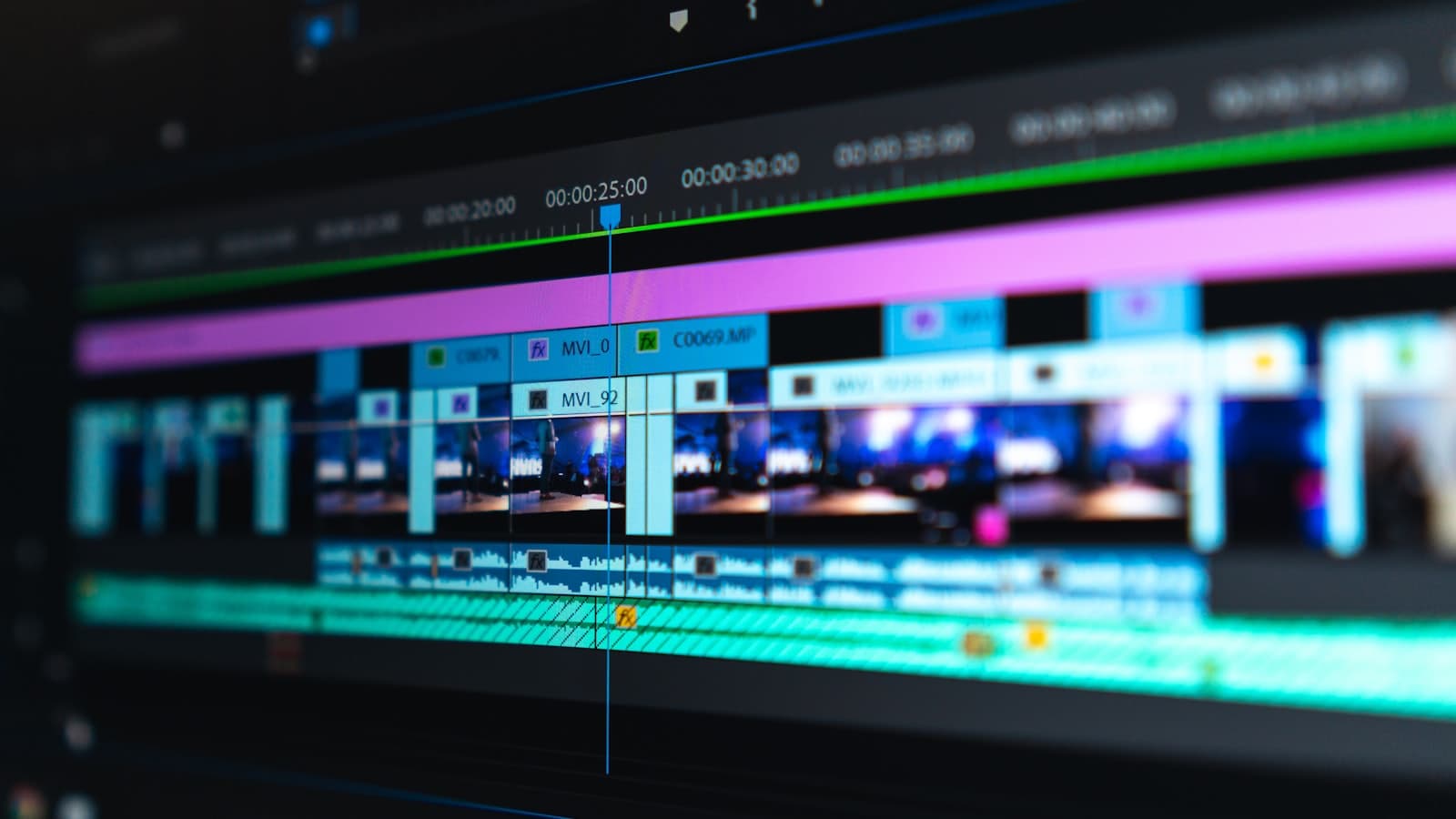
Shots get cut to the script's rhythm. This is where pacing is created, and pacing is the clearest signal of whether anyone directed the thing.
7. Grade
Generated shots arrive with inconsistent colour temperature, contrast and black level even when they came from one look. A single grade across the whole sequence is what makes twelve clips read as one film.
Failure mode: grading shot by shot to make each look its best. The goal is not twelve good shots; it is one continuous world.

8. Sound
Generated video is silent. Everything a viewer will hear is built afterwards: atmosphere, movement, impacts, music, mix.
It is also the highest-leverage stage in the pipeline. A sequence with careful sound design is perceived as substantially more expensive than the same sequence with a library track laid over it, and sound is typically around a tenth of the budget.
Failure mode: treating sound as the last ten minutes. It is a stage, with its own pass.
What the pipeline costs in time
| Stage | Share of effort | Can it be rushed? |
|---|---|---|
| Script and board | 20% | No. Rushing here costs double later. |
| Look development | 10% | Partly, if the brand look is established. |
| Batch generation | 25% | Yes, with more compute in parallel. |
| Compositing | 20% | No. It is frame-accurate work. |
| Edit and grade | 15% | Somewhat. |
| Sound | 10% | No, and it shows immediately. |
When this pipeline is the wrong tool
- A real person making a personal claim. Generate that and the claim stops being credible.
- Products where texture and finish sell it. Shoot them, then use generation for the world around them.
- Regulated claims. Substantiation applies to imagery, not just to words.
- A single simple video from existing footage. The pipeline overhead is not worth it. Just edit it.
AI video ads covers the strategic version of that same question, which briefs genuinely suit generation, and which are cheaper and better shot.
Common questions
- What does an AI video production workflow look like?
- Eight stages: script, shot list and board, look development, batch generation against the board, compositing the real product and interface elements, editing for pace, a single grade across the sequence, and sound design. Generation is roughly a quarter of the work.
- Why does AI-generated video often look cheap?
- Three causes, all fixable: every shot the same length because nobody cut for emphasis, mismatched colour because each shot was graded on its own, and no sound design. None of them are limitations of the model.
- Can AI video show a real product accurately?
- Not through generation alone. The working method is to generate the environment and composite the real product, packaging, logo and interface into it, tracked, rotoscoped and matched for grain and light so it sits in the plate rather than on it.
- How long does an AI-assisted video take to produce?
- For a 30-second ad, typically one to two weeks end to end. Generation itself is fast; the schedule is set by scripting, boarding, compositing and finishing, which take about the same time they would on any other production.